
-
Come and see us at Freshers Fair and Win a USB wrist band
Learning Services will be at the Student Union Freshers Fair in The HUB on Wednesday 20th September. We will be promoting some of our new developments and resources. Come and see us to find out about our new discovery tool Discover More and also access an App to get BlackBoard Mobile on your smart device!
If you come and see us and sign up to like us on Face Book or follow us on Twitter, you will also be entered into a free draw. We are giving away 10 Learning Services USB wrist bands every hour.
We are encouraging all our customers to sign up to our social media so you can keep in touch and get all the latest news and developments.
Follow our blog blogs.edgehill.ac.uk/ls
Like us on Facebook EHULearnService
Follow us on Twitter EHULearnService
We look forward to seeing you tomorrow
If you can’t come and see us but would like to enter the draw, please leave us a comment on our blog.
 Rachel Bury Academic Liaison Librarian – Health
-
University Library is ready for the new term!
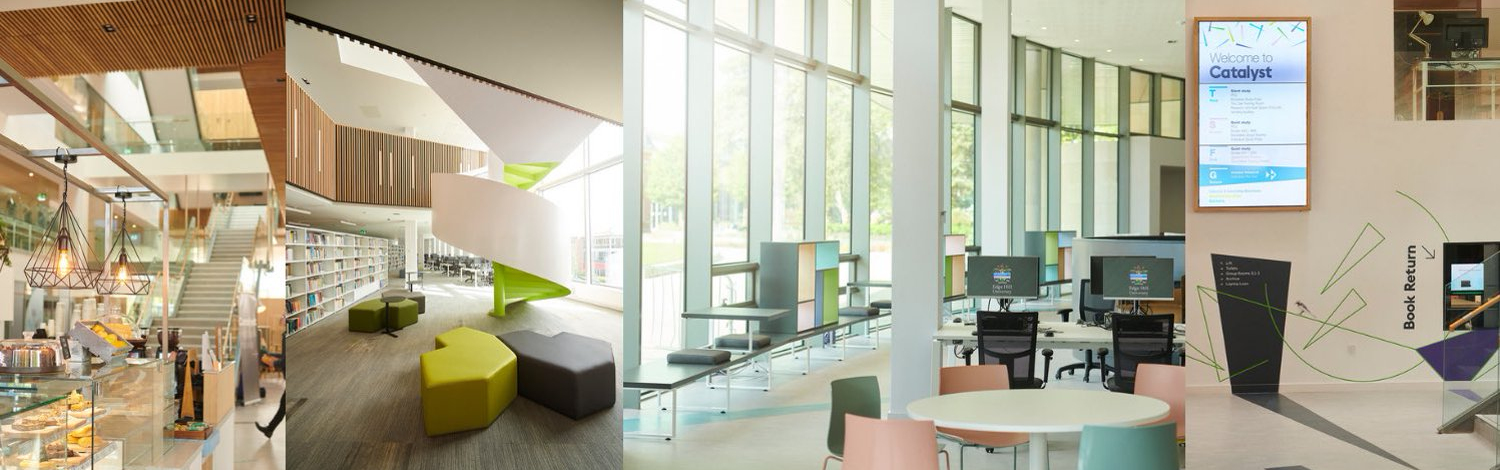
The Library refurbishment is almost complete – we would love you to come and have a look at the new and improved facilities!
Key new features are;
A new silent study room
New spaces and furniture for quiet study
Brand new PCs with Windows 7 and Office 2010
Extended book stockOur support for you will also be more visible and accessible; Library staff will be on hand on the 1st floor throughout the day to answer any of your queries about subject resources or provide support with study skills – just ask at our new ASK desk! Staff will also be roving around the building to offer more pro-active help and support in using the IT facilties.
For more information about our services, resources and facilties please visit our web pages;
You can contact us;
By telephone – 01695 584286
Email – [email protected]
Live chat – http://www.edgehill.ac.uk/ls/livechat
*New* – you can also contact your subject librarian directly by emailing [email protected]
And don’t forget….following your feedback, and a successful pilot phase, the Library is open until midnight during term time…..starting tonight!



-
University Library Opening hours
The University Library at Ormskirk will be open from 9am on Welcome Sunday 18th September (closing as normal at 6pm).
Come in and have a look at our refurbishment. We have all new pc’s with Windows 7, new study spaces and furniture, as well as a brand new Silent Room, for those who want to study in silence.
Term Time opening resumes, for both the Library and the LINC, from next Monday, 19th September. After last years very successful late opening, the Library will once again open until Midnight Monday to Thursday. Check out our website for a complete list of opening hours for all our sites
Cathy Carey – Facilities Coordinator


