-
Preparing for the exam season

Exam season is upon us and, in case you missed the revision tips and techniques workshop in December, I’m here to provide you with some helpful tips for revision.
Revision Techniques Effective tips Notes Drawings Posters Cartoons Mindmaps Placing Flashcards Self-tests Lists Re-writing Quizzes Incentives Powerpoints Diagrams Flow Charts Colour-coding Exam Papers Reading aloud Images Repetition Articles Time Management (short breaks, pomodoro technique etc.) The key thing about finding your perfect revision strategy is not what technique to use, but how to use it. Students often *trick* themselves into thinking that they’re revising but, truthfully, the revision technique is not working for them. Finding the best possible technique will enhance your revision knowledge and ensure you’re not wasting precious time.
Below is a table of revision techniques alongside tips on how to make techniques effective.
Interesting fact to note: using highlighters and listening to music are scientifically proven not to be beneficial. Although it’s proven, if those methods do help you revise, then go for it. Finding your revision strategies is all about what works with you and how you can manage it.
These days you can take your revision anywhere with you just by using your phone. There are many strong and effective apps to use when revising, I’ve chosen my favourite and listed them for you.
Go Conqr Allows the user to create mind maps, flashcards, quizzes, slides and notes to equip every student with a revision bank.
Evernote Allows the creation of notes in multiple formats including checklists, sketches, photos, scans, audio, video, PDF’s & web clippings.
One Note Similar to Evernote, allows the user to file notes into notebooks and multiple formats.
Instapaper Allows the user to save and store web articles (adjustable for ease of reading) which can later be read offline.
Pocket Similar to Instapaper, allows the user to save articles for offline reading and tag articles for easy searching and recommended interests.
2Do Allows the user to create organisable tasks, projects and checklists in a calendar-based time-management app.
Any Do Similar to 2Do, allows the user to organise the tasks in a calendar but offers more options in terms of attachments and sorting.
Trello Allows the user to create work-boards for projects and designate workflows in a project management tool.
Another crucial aspect to note when coming to revision is how you approach revision. Below is a table of dos and don’ts when coming to revision.
Dos Don’ts Start revising early Don’t procrastinate Take short breaks Don’t go overboard with revision Manage your time effectively Don’t avoid subjects you hate Find a good revision environment Don’t surround yourself with distractions Start a revision study group Don’t just read your notes Refine your revision study Don’t spend too long making notes look pretty Eat and stay hydrated Don’t miss out on sleep Don’t panic this exam season and take on board the advice in this blog post. Think about how you can make your revision work for you, and whether your current method is effective or not. Remember, eat, drink and sleep, missing out on these three things will impact your mindset and mentality towards revision.
 Written by: DYLAN BOOTH
3rd Year Creative Writing Student
Student Advisor for Library & Learning Services

-
UniSkills Spring Workshops
We have lots of exciting UniSkills workshops coming to Catalyst this term.
This term we have workshops to help you develop your academic writing skills, sessions focused on searching for academic information, techniques on how to give powerful presentations and support with Harvard Referencing. We have also introduced 7 new workshops for 2019! These workshops range from creating a bullet journal to conducting a Literature Review.
Find out more about the workshops below and how to book your place.
Create a Bullet Journal *NEW for 2019*
Staying organised is one of the biggest challenges of university life. Bullet journaling is a great way to stay organised and can help you with planning your assignments and keeping track of your deadlines. Providing all the supplies and #BulletJournal inspiration aplenty, we’ll show you how to set up a fun and creative system that means no essay deadline can ever go amiss.
- Monday 4th February 1pm-2pm
- Tuesday 2nd April 12pm-1pm
Finding Academic Information
Help improve your search strategy, find resources for your assignment (including books, eBooks and journal articles) using the Library Catalogue and Discover More and learn how to evaluate your sources.
- Tuesday 5th February 12pm-1pm
- Monday 25th February 1pm-2pm
- Thursday 28th March 12pm-1pm
Maximise Your Reading List *NEW for 2019*
Your Reading List is an essential gateway to a wide range of resources recommended by your tutor. This workshop will explore using some of the additional features of our reading list software such as changing the referencing style, writing a personal note on a reading list item and what steps to take if all items are out on loan – all of which will help you maximise your academic research.
- Tuesday 5th February 1pm-2pm
- Friday 15th March 1pm-2pm
Conducting a Literature Review *NEW for 2019*

You may be asked to write a literature review as part of your assignment or dissertation to demonstrate that you have an in-depth grasp of both your subject and where your own research fits into or adds to an existing body of knowledge. Find out more about how to survey the literature in your chosen area of study, synthesise the information in that literature into a summary, critically analyse the information, and present the literature in an organised way.
- Wednesday 6th February 12pm-1pm
- Tuesday 26th February 12pm-1pm
Reading Academic Texts *NEW for 2019*
Are you daunted by the amount of reading you are expected to do? Do you feel overwhelmed by the thought of reading difficult texts? This session will give you some great tips for active reading and to learn about strategies to help you develop intensive and effective reading skills.
- Thursday 14th February 12pm-1pm
- Thursday 28th February 1pm-2pm
Introduction to Academic Writing
An introduction to the style of academic writing used at University; discover how to plan, structure, use feedback and Harvard referencing.
- Monday 28th January 1pm – 2pm
- Friday 22nd February 1pm – 2pm
- Thursday 14th March 12pm-1pm
Developing Academic Writing
Building on previous experience learn to recognise and understand assessment criteria, apply critical reading and show critical analysis in your writing and the importance of integrating referencing.
- Tuesday 29th January 12pm -1pm
- Wednesday 20th February 12pm -1pm
- Thursday 7th March 1pm -2pm
Become a Paraphrasing Pro *NEW for 2019*
Putting complex topics into your own words can be a confusing task. This workshop teaches you handy techniques to avoid plagiarism, as well as how to strike that all-important balance between paraphrased sentences and direct quotes.
- Friday 1st February 1pm-2pm
- Wednesday 27th February 12pm-1pm
EXPRESS Harvard Referencing
Introduction to the Harvard referencing guide including in-text citations, bibliography/reference lists and the importance of referencing to avoid plagiarism.
- Friday 8th February 12pm-12:45pm
- Tuesday 12th March 12pm-12:45pm
Effective Exam Preparation *NEW for 2019*

Banish pre-exam dread with a procrastination-busting workshop. With handy revision strategies and memory techniques aplenty, leave inspired to thoroughly prepare and ultimately, perform your best!
- Monday 18th March 1pm-2pm
- Monday 1st April 12pm-1pm
Powerful Presentations

This workshop will cover the different stages of putting together a powerful presentation. Recognise the importance of planning and structuring your presentation, how to create an accessible yet visually appealing presentation and tips for presenting with confidence.
- Wednesday 13th February 12pm-1pm
- Tuesday 5th March 1pm-2pm
- Thursday 21st March 12pm-1pm
UniSpeaks *NEW for 2019*

Do presentations make you feel nervous? Wish you were more relaxed and confident? Need a safe space to practice your presentation skills? Then UniSpeaks is for you. UniSpeaks offers a safe space to come together with other students in the same boat to practice presenting in front of an audience. These sessions will take place once a month – you can come along and listen to others present, have a go yourself and learn strategies to present with more confidence.
- Wednesday 30th January 2pm-4pm
- Wednesday 27th February 2pm-4pm
- Wednesday 27th March 2pm-4pm
-
Turnitin: Winter Guide
 It’s the most wonderful time of the year! But right now, it might not feel that way as all those deadlines and exams loom over your head. However, don’t fear the Student Advisors are here to help and support you through this busy time. Today, I’m going to guide you through submitting your assignments on the Turnitin tool. Before you know it, you’ll be back to all those festive favourites you enjoy most!
If you didn’t already know, we ran several handy workshops during Keep Calm and Submit week, all about submitting assignments via Turnitin. We understand that everyone’s got different schedules, so we wanted to make sure wherever you’ve been this week, you still know how to tackle Turnitin with confidence.
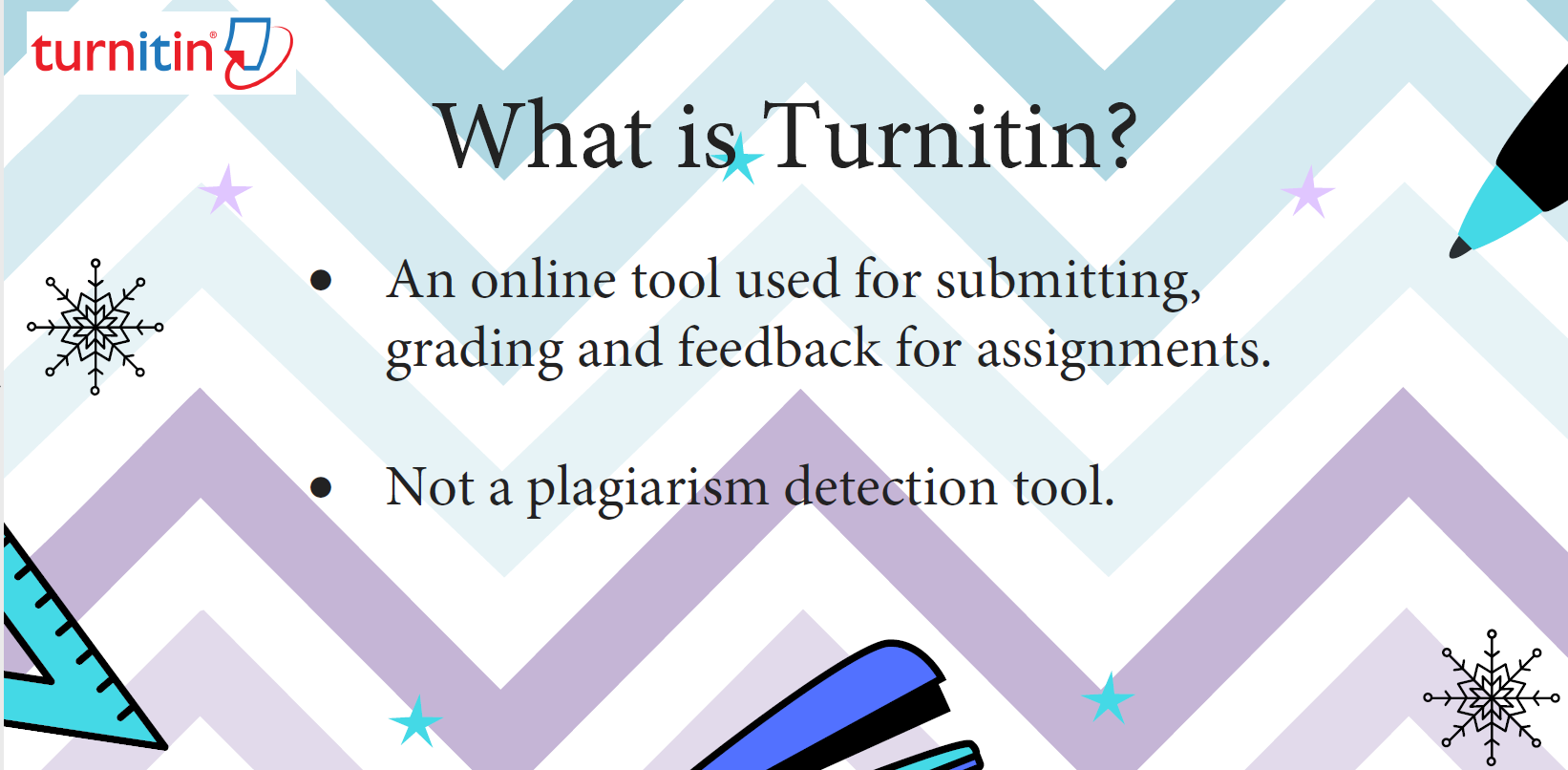
Our very first slide answers the big question: “What is Turnitin?”
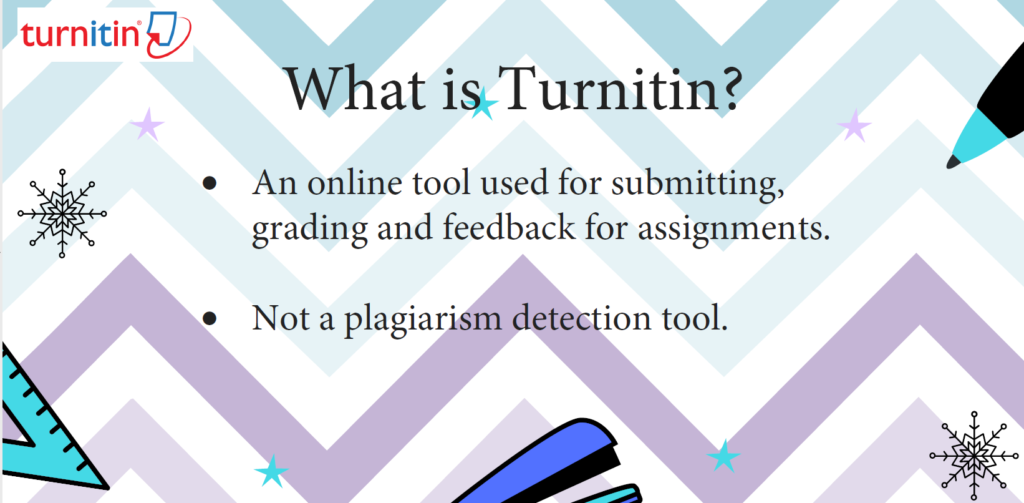
Turnitin is an online tool that allows students to submit their assignments. The assignments can then be viewed, marked and graded by course tutors. Once they have been marked, students can view the feedback that their tutors have given, with lots of helpful tips on how to improve.
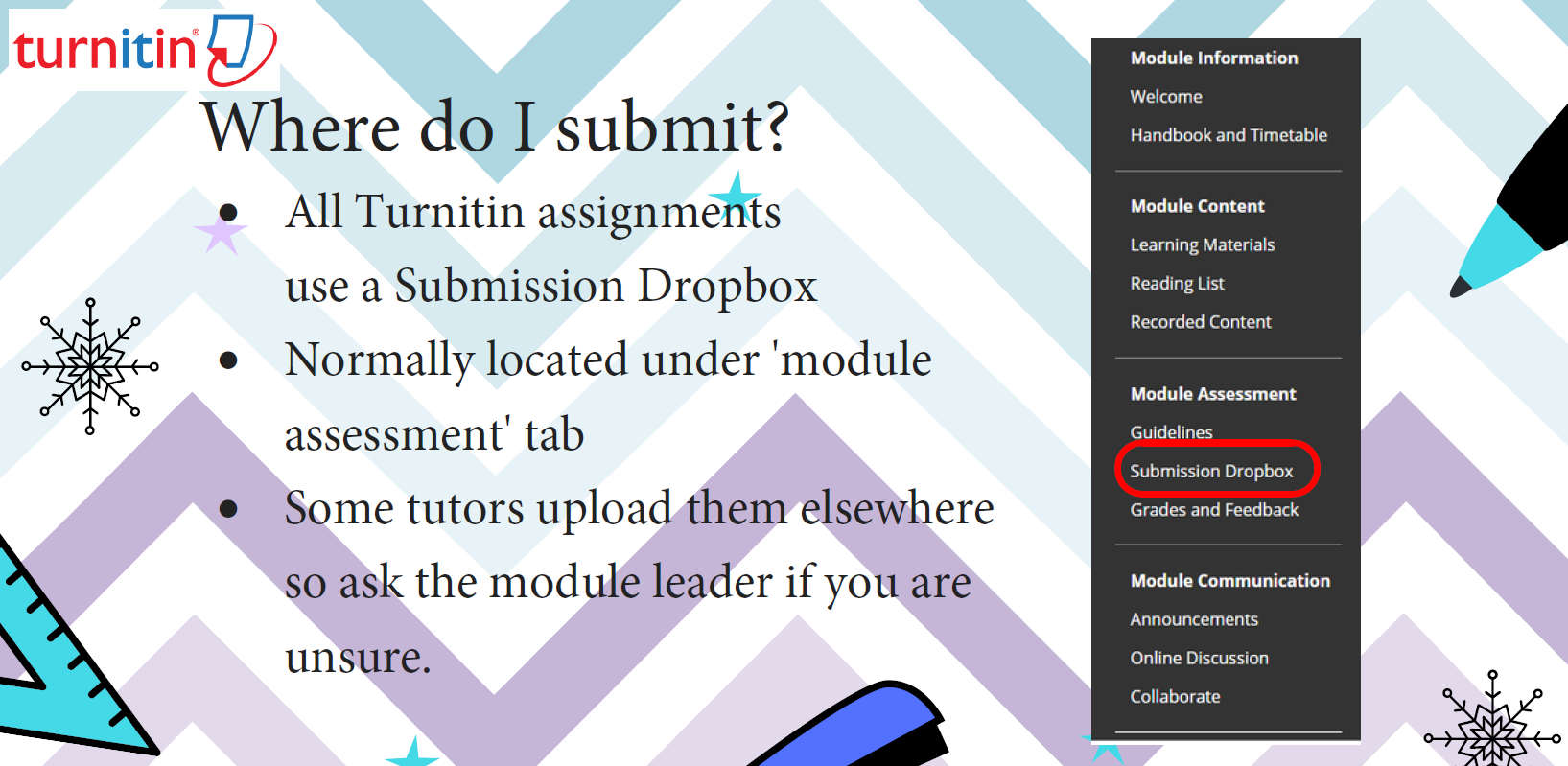
Next up is the question I know you’ve all been waiting for, “Where do I submit?”
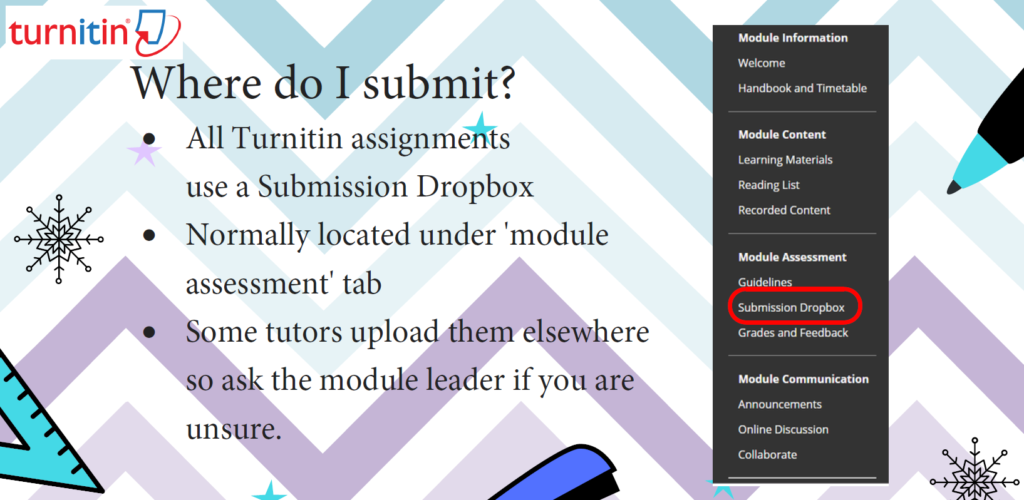
Sometimes it’s easy to forget the simple things. You can submit your assignment via the ‘Submission Dropbox’ tab circled above. This will be located under the ‘Module Assessment’ tab of your course module. You can then upload your file by clicking the blue ‘Submit’ button highlighted.
After uploading your file, be sure to click on the arrows to check each page of your document. This will make sure that you’ve included everything you should have (e.g. not missing your whole reference list off). It also allows you to view the way your document is displayed. If you are happy with your work, click on the ‘Confirm’ button highlighted at the bottom left.
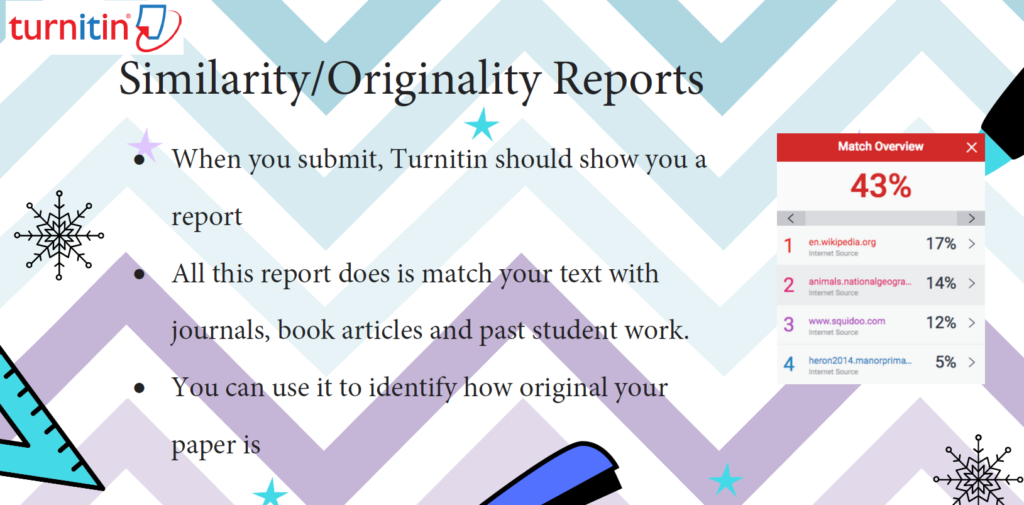
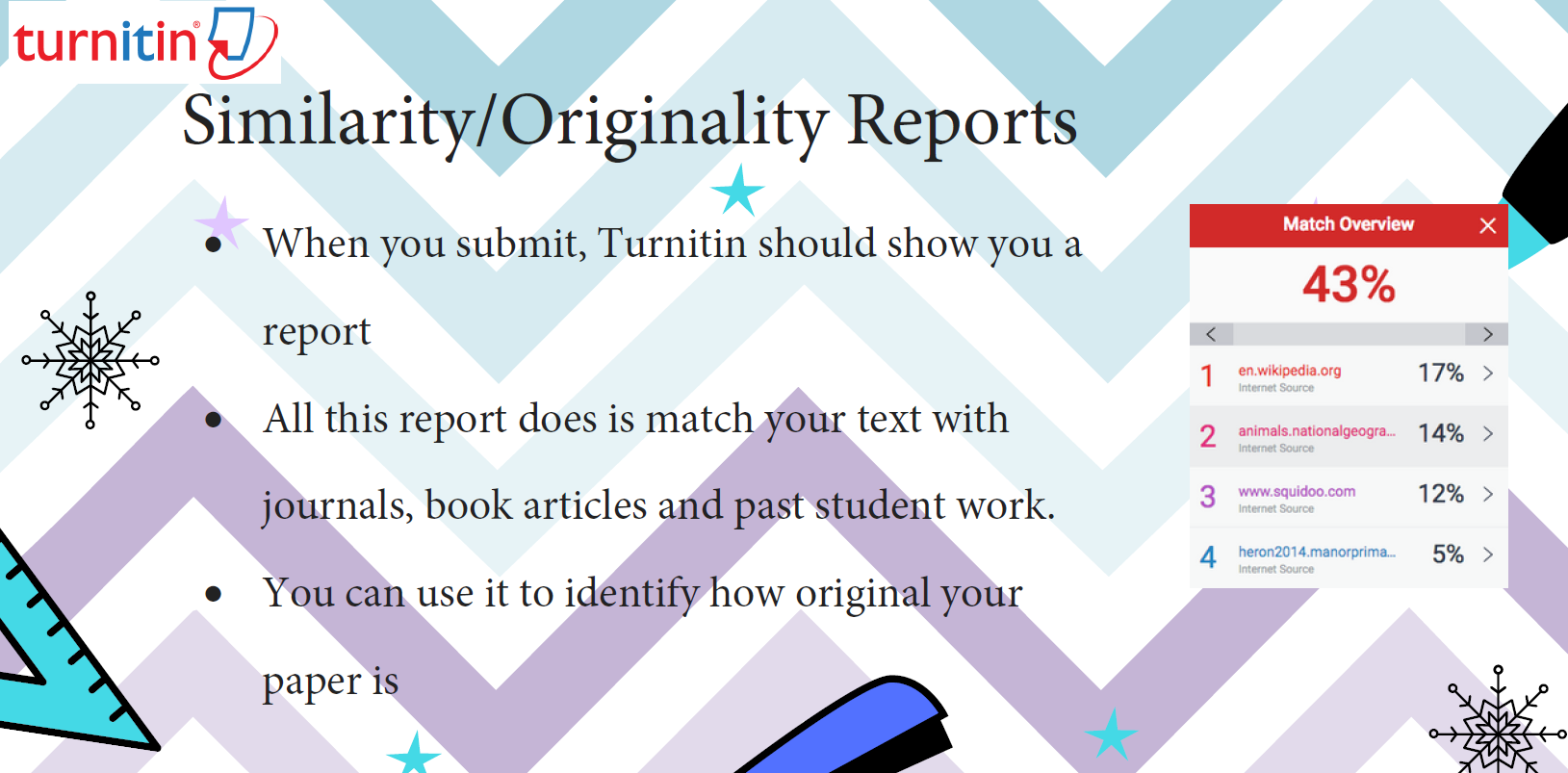
“My report is HOW similar?! Surely some of what I said must have been me?!” Ever felt like that? Don’t panic, that’s not what it’s all about.
As mentioned in the slide, the similarity/originality report matches your text with journals, book articles and past student work. It’s useful for tutors to recognise similar themes and content within papers, and also for students to see how original their paper is.
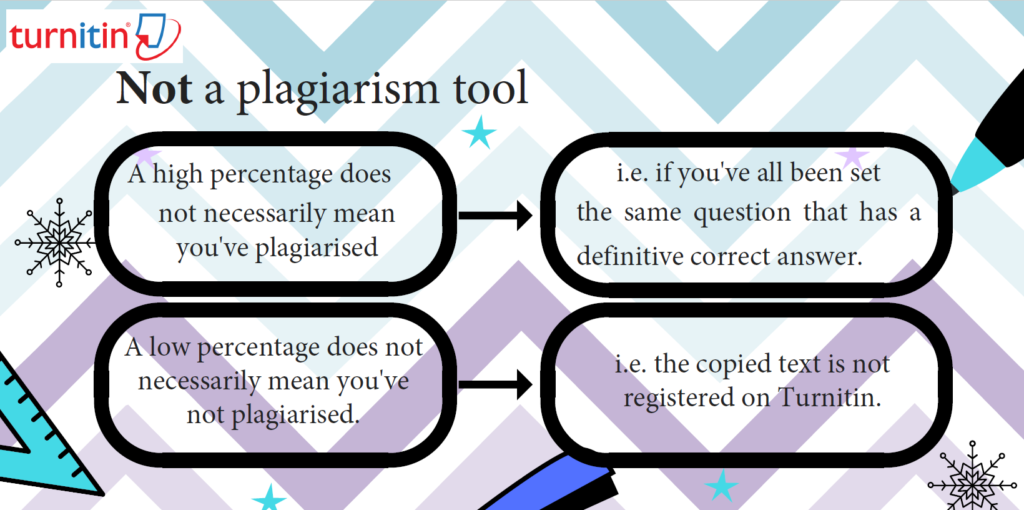
As mentioned earlier, did you know that Turnitin isn’t actually a plagiarism detection tool? I know, hard to believe, right? So, next time you get a scary number on your screen, just remember it’s not all that it seems. Your similarity percentage doesn’t necessarily link to plagiarism, as highlighted by this slide.
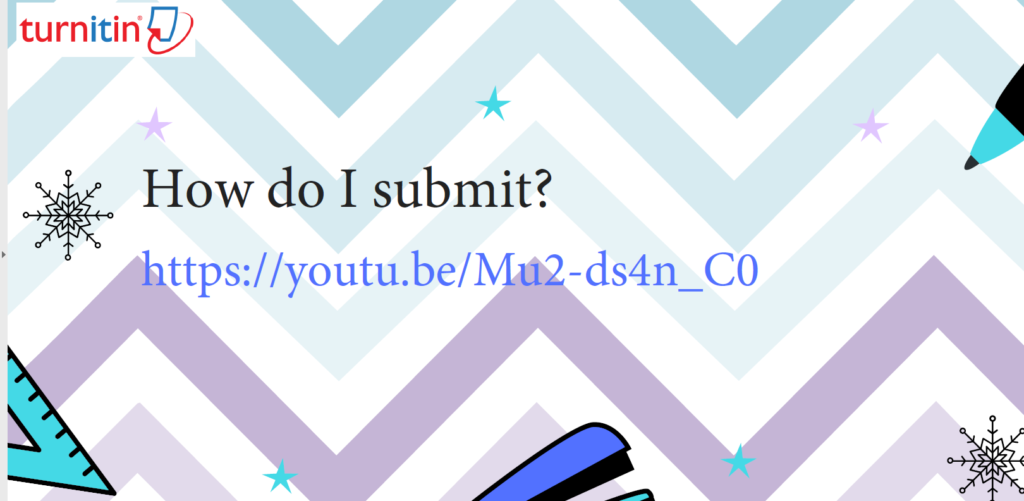
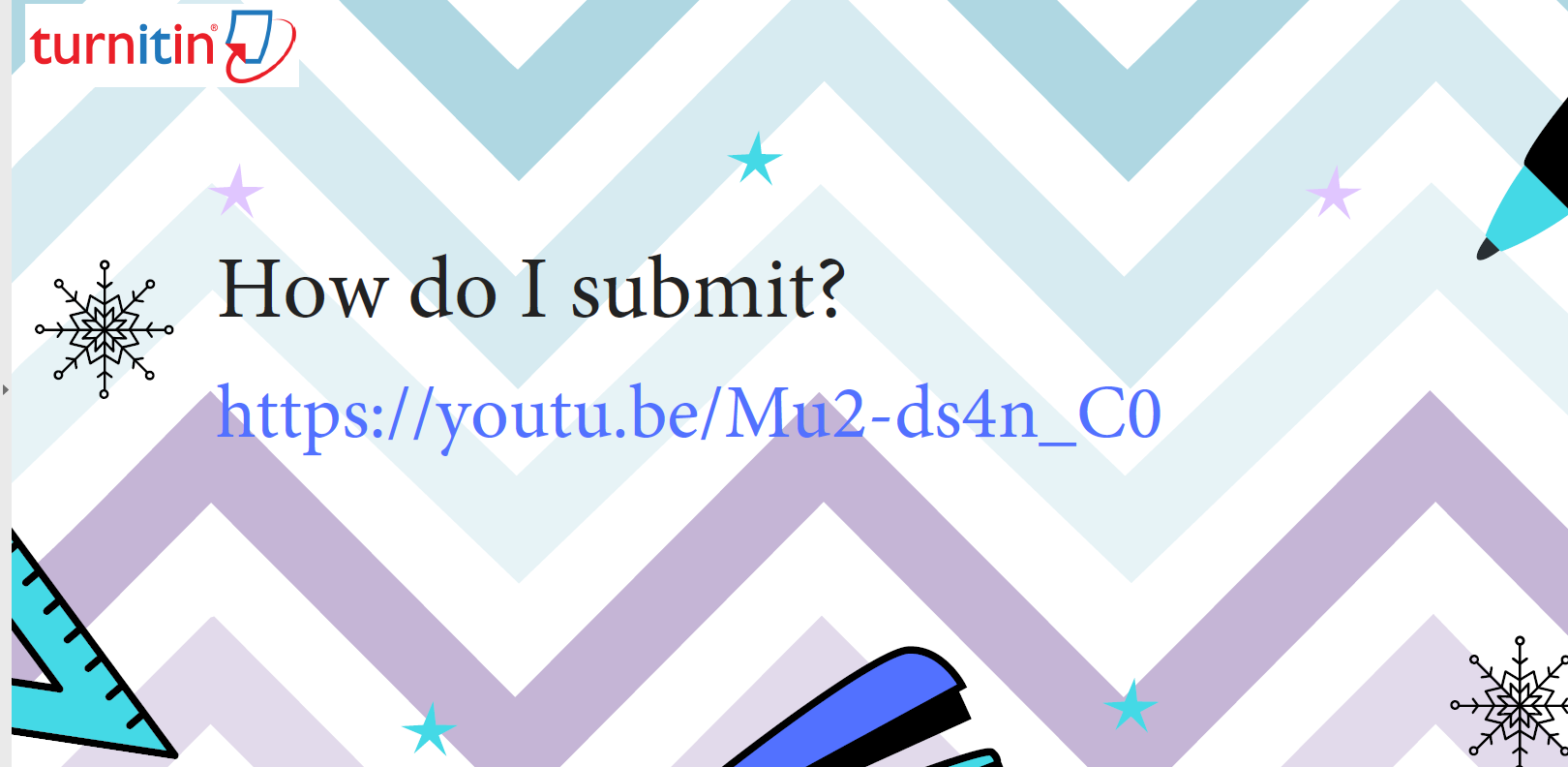
In the workshop, we included a handy video that walks you through submitting, follow the link from the slide here.
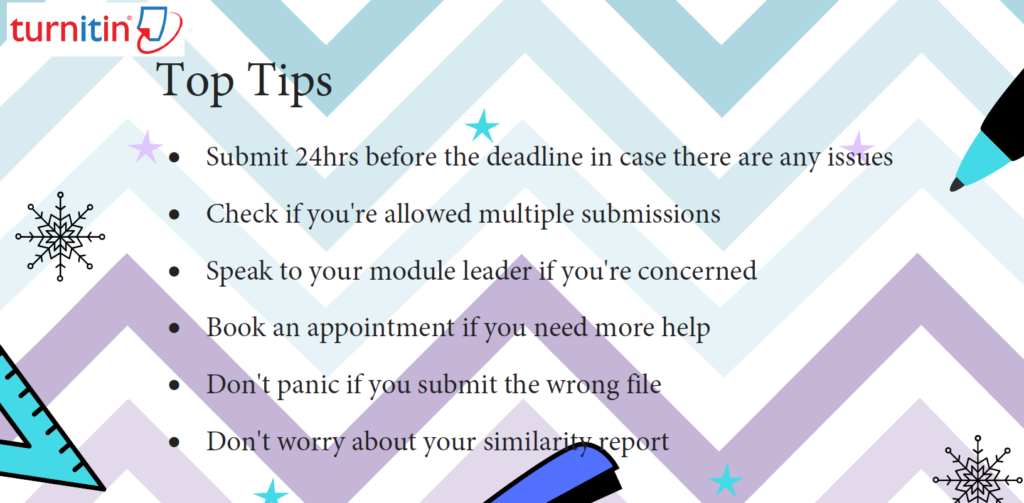
These top tips are crucial to your success with Turnitin. But the most important tip is to give yourself enough time before submitting your assignment.
There is advice on the UniSkills Online Submission page dedicated to helping you submit, take a look here.
Finally, if you’d like support with submitting or have any burning questions, you can find us based in Catalyst. Alternatively, just pop along to the Catalyst help desk. We’d be happy to help!

Written by: RACHEL ARLAND
3rd Year Early Year Childhood Studies Student
Student Advisor for Library & Learning Services
Written by: DYLAN BOOTH3rd Year Creative Writing Student
Student Advisor for Library & Learning Services