-
All Aboard Revision Central ?
Spring is in the air and it is beginning to get warmer and lighter throughout the day. Flowers are blooming, birds are singing. It’s enough to fill anyone with joy and happiness. Until you remember that you’re a university student and you have a network of deadlines and exams (full steam) ahead!
Never fear, because UniSkills are here to help you on your revision journey!
We are offering a range of support throughout Revision Central (29th April – 17th May) including workshops to help you prepare for exams, practice those all-important presentation skills and help you arrive at your destination with assignments. Don’t delay, reserve your seat at one of these workshops today!
The full summer 2019 UniSkills workshops timetable is available now – printed copies will be arriving on campus shortly!
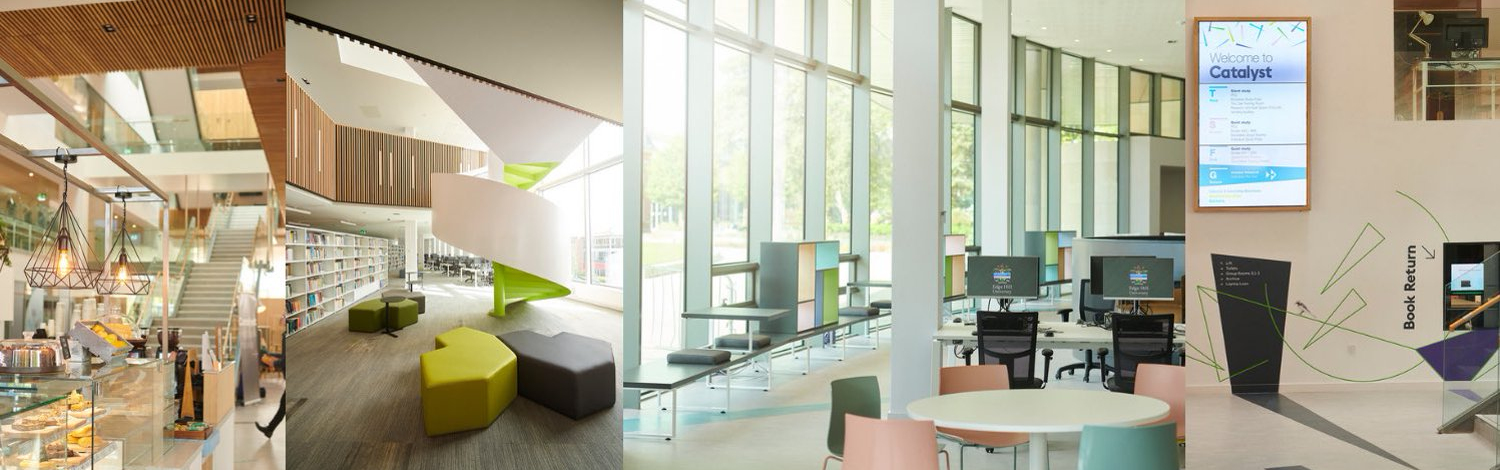
And don’t forget, Catalyst is open 24/7 so whether you are a sleeper train, or a morning express we can accommodate your study style. With dedicated silent study areas, individual and group rooms and our unique study pods available to book.
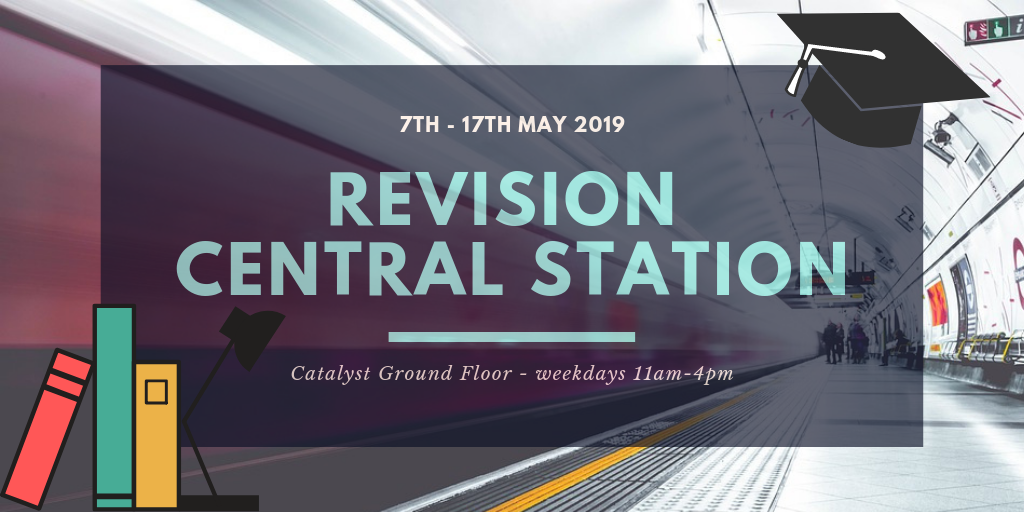
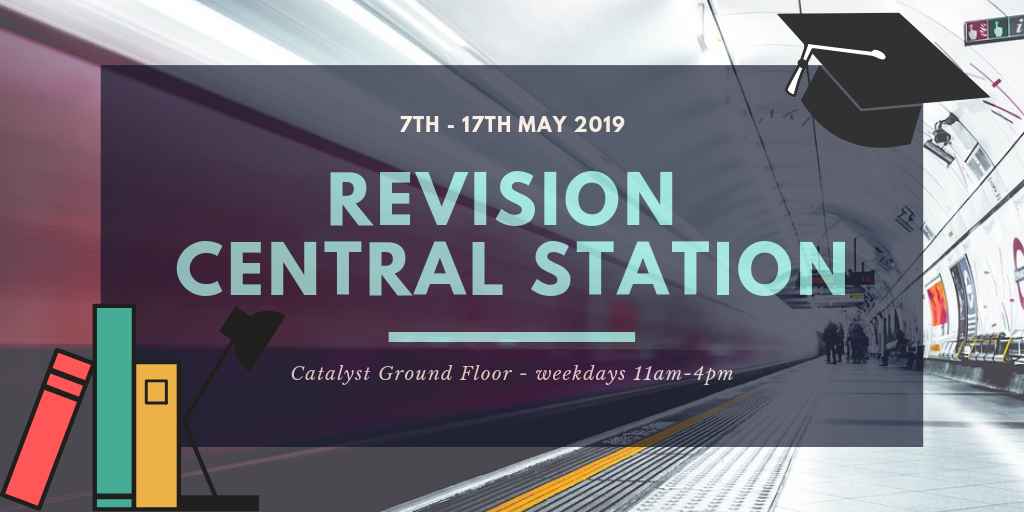
In addition to the workshops, from 7th to 17th May we will be hosting Revision Central Station on the ground floor of Catalyst. This is your platform where you can receive revision support to facilitate your assessment journey.
Take a study break and pay us a visit during these weeks and you will be able to pick up a Revision Survival Pack. These nifty little guides are full of top tips and strategies to help you reach your full potential and (if you catch the express!) you may also be in time to collect a FREE Catalyst goody bag! We will also be offering free healthy snacks and drinks, to provide your body with the ‘brain food’ it needs for an effective study session.
Throughout Revision Central you will still be able to access all our usual support services including;
- Drop in (weekdays 11am-2pm) to the Catalyst Helpdesk for any quick queries
- Book a peer to peer appointment with one of our knowledgeable Student Advisors
- Book a 1-2-1 appointment with one of the UniSkills team for academic writing or information skills support
- Ask Us a question anytime…and if you are studying away from campus there is lots of support available online 24/7 including advice and guidance around exam preparation on our UniSkills webpages and your My Library tab.
So, best of luck with your exams and next time you’re in Catalyst be sure to spot our inspiring quote of the day to help motivate and fast track your way to exam success!
Keep in touch with Library & Learning Services throughout your journey via Twitter, Facebook and Instagram.
-
Digital Communication
The internet, social media and the media have now become an essential part of our everyday lives. Digital Communication is forever changing and evolving, with the sector becoming more dynamic and diverse in the way it creates and publishes digital content.
The Digital Communication pathway aims to provide staff with an understanding of how to communicate across various platforms, such as social media platforms and internet technologies, using new and exciting technologies to stay connected with others. It is important that staff are able to deliver quality content and information to a range of digital audiences in a way that is accessible and easy to navigate.
Upcoming Sessions
It is important to be aware of your presence online, and to create a positive image of yourself for current and future employers to see. This session will help you to consider how to communicate effectively through a variety of digital tools to achieve this, as well as looking at the importance of online etiquette and online security.
Thursday 23rd May – 11am-12pm
Book your session on MyView here.
This practical session will enable staff to create an eye-catching digital newsletter which can be shared online using Adobe Spark. Adobe Spark allows you to create your own unique and custom newsletter for your department or team in minutes, with a variety of templates, images, text and interactive features.
Tuesday 4th June – 2pm-3pm
Book your session on MyView here.
This session aims to introduce staff to email marketing and how to make it exciting and eye-catching using MailChimp. By the end of the session staff will be able to create an email campaign using a variety of features (including text, images, links to websites and social media), send an email campaign to subscribers and track the success of the campaign.
Monday 3rd June – 3pm-4pm
Book your session on MyView here.
Whether you are an academic member of staff and want to use social media to connect with other academics and professionals in your field or you are a support member of staff looking to inform colleagues about new developments, then these sessions will give you an advantageous starting point to further improve your digital communication skills.
Don’t forget that you can now achieve a digital badge – so why not attend these sessions as part of this pathway?
Stay up-to-date with our latest developments on our blog and WIKI.

Written by: Laura Riella
Digital Capabilities Coordinator
-
Session Focus – Word: Formatting Long Documents
This blog post will focus on a recently delivered session – Word: Formatting Long Documents, which is part of the new Digital Workplace Technologies offer.

What were the objectives of the session?
This session focused on using the features of Microsoft Word to put together long documents or formal reports, including using styles, creating tables of contents, applying section footers and working collaboratively with master documents.
Formatting long documents can be tricky, particularly when working with multiple pages of text, figures and tables. This session aimed to navigate staff through the features of Microsoft Word that will successfully enable them to create a professional document that is clearly organised, structured and accessible. Page numbering can also make many people apprehensive, especially when you need the first few pages to be in Roman numerals and the rest of your document in Arabic numbers. Again, this session aimed to guide staff through this process, with lots of opportunities to practice and ask questions.
The session
This type of session lasts 60 minutes and enables staff to cover many areas of Microsoft Word and put their new knowledge into practice.
At the end of the session staff should be able to do the following in Microsoft Word:
- Use styles to apply headings to a document
- Create a table of contents for a document
- Add captions and create a table of figures
- Use section breaks and apply section formatting
- Add custom headers and footers
- Work collaboratively on a document
- Work with master documents and subdocuments
The session took place in Oak room, Catalyst and provided staff with the opportunity to use computers to have a go themselves at formatting long documents. Modelling examples on the board, staff could then follow steps to format several long documents.
Personal Reflection Activity
At the start of the session I asked staff to write down on a post-it note how they currently felt about formatting long documents.

Staff responded with a variety of feelings towards the prospect of formatting long documents, with many using this session as an opportunity to develop their skills and refresh their current knowledge.
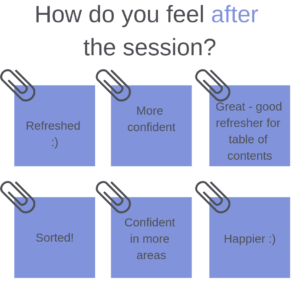
After the session I asked staff to complete the same activity, instead now writing down how they feel after the session about the prospect of formatting long documents. The responses were dramatically different, with many staff feeling more confident, happier and sorted!
Members of staff said:
“A very clear and informative delivery while maintaining a friendly approachable setting.”
“It was brill and really informative! I found it really helpful.”
Upcoming Sessions
If you are a member of staff and are interested in improving your knowledge of formatting long documents on Microsoft Word, then take a look below at the upcoming sessions.
Tuesday 9th April 2019 2pm-3pm
Tuesday 16th April 2019 11am-12pm
Book your session on MyView here.
Stay up-to-date with our latest developments on our blog and WIKI.
Written by: Laura Riella
Digital Capabilities Coordinator